
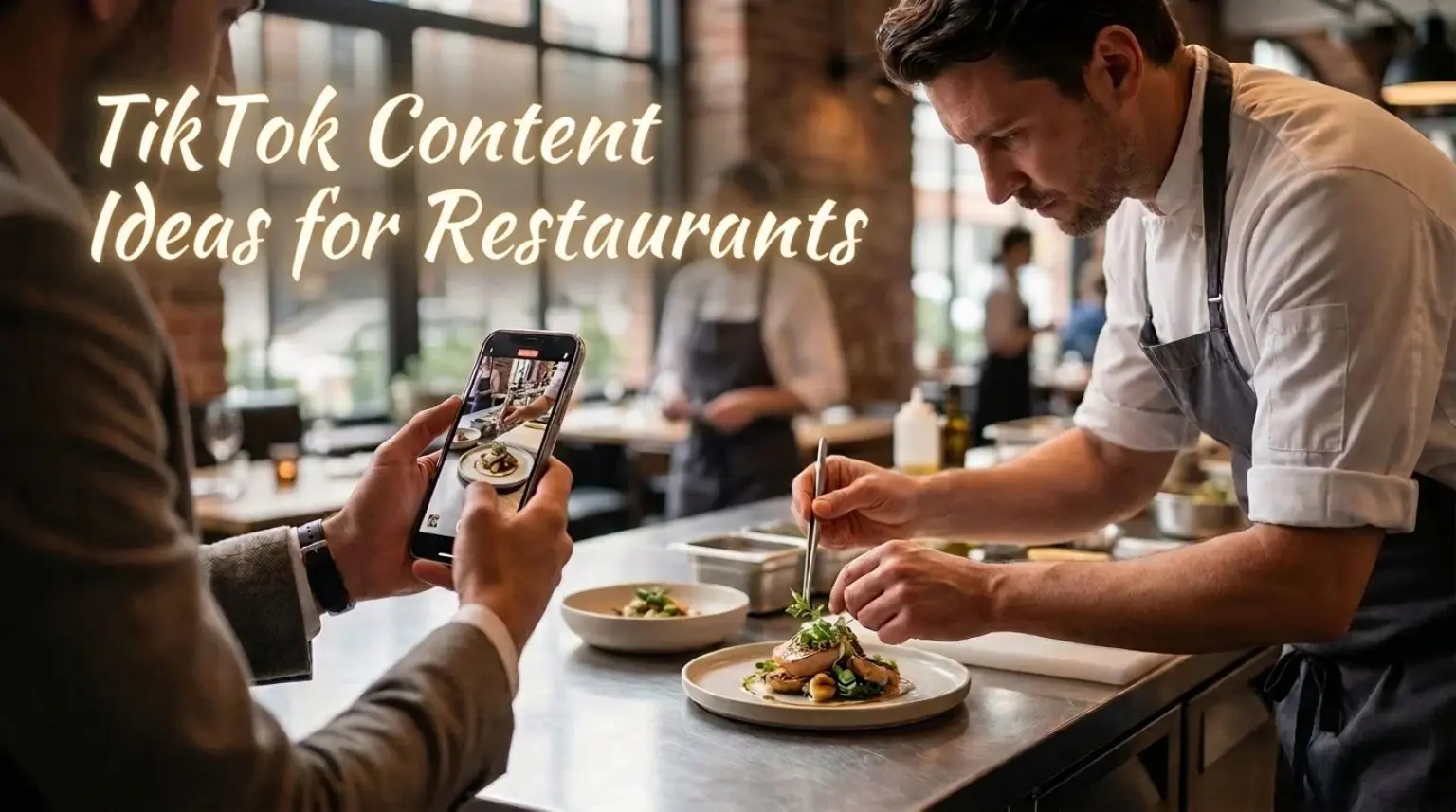
The hardest part of filming a restaurant TikTok is often deciding what the video should show. A kitchen full of activity still needs one clear idea, a useful opening and a few shots that belong together.
These restaurant TikTok content ideas turn everyday food, prep and customer questions into videos your team can make with a phone. Each includes an opening hook and a sequence to film. For ideas across Instagram and Facebook too, see our broader restaurant social media content ideas.
Film vertically, wipe the lens and use a well-lit spot. Keep the main action near the centre so TikTok’s buttons and captions do not cover it. Start with the food, question or transformation, then cut anything that does not help explain it. There is no single video length to aim for.
Arrange filming around a quiet prep period. Use a separate person to film cooking, or a secure phone position away from heat, food and walkways. Never repeat a risky action or delay a guest’s meal for a shot.
Let the food lead the video
1. Build a signature dish in three shots
Open with the finished plate and the words “This is how our mushroom pie reaches the table.” Cut back to the pie coming out of the oven, then show the gravy and final garnish.
Finish on the same view of the complete dish. If it is genuinely your most-ordered dish, say so after checking recent orders. This gives a first-time viewer a quick introduction to a customer favourite without requiring a full recipe video.
2. Show what is inside
“Here’s the middle of our baked cheesecake.” Frame the whole slice, move closer as a fork goes through it, then hold on the texture inside. The same approach suits a filled pastry or layered sandwich.
Use a portion set aside for filming. Let the interior answer the opening promise, rather than adding several unrelated food clips.
3. Compress a slow transformation
Try “This dough starts its day long before lunch.” Film a batch before proving, capture its rise from a fixed, safe position, then show one finished loaf being sliced.
Speed up the waiting stage and return to normal speed for the final result. Label the elapsed time accurately so viewers understand the real preparation involved.
4. Make a video from kitchen sounds
Start with a bread crust cracking, followed by a pan sizzling and a sauce being spooned onto the dish. Use a simple opening such as “Lunch prep, with the kitchen sound on.”
Record close enough to hear the action without obstructing the cook. Skip music and remove distracting background audio. This is a useful option when nobody wants to speak on camera.
5. Let the chef explain one technique
“Why do we rest this dough?” Begin with the action the question refers to. Record the chef’s short answer separately, then place it over close-ups of the dough before and after resting.
Teach one point, not the whole recipe. Correct the spoken captions before posting, especially ingredient names. The explanation gives viewers a reason to watch beyond the finished plate.
Help viewers choose an order
6. Suggest an order for a first visit
Open with “First time here? Start with these three.” Show a starter, main and dessert in separate shots, naming each and explaining one reason it belongs in the selection.
End with the dishes together. Say if they are priced separately. This answers a real menu question without reading the entire menu aloud.
7. Show what a real budget buys
“What £15 gets you at lunch here.” Start on an empty table or tray, then add each included item with its name and price. End with the full meal and the total.
Use your actual current prices, even if the total differs from this example. Include service times and any compulsory charges or important exclusions. Do not film a larger portion than customers receive.
8. Demonstrate a sharing portion
Try “Ordering this for two? Here’s how it arrives.” Film the complete sharing board from above, then show someone serving a typical portion onto each of two side plates.
Keep the full spread visible at the end. This helps people judge quantity more clearly than a tight food close-up. Describe the intended portion honestly, without promising it will suit every appetite.
9. Cut between two staff recommendations
Ask two willing team members to finish: “I’d order this because…” Film each beside their chosen dish, then alternate their answers with close-ups of the food.
Put both dish names on screen so viewers can compare them. A simple “Which would you choose?” can invite relevant comments. Keep the disagreement friendly and let staff use their own words.
Put the team in the story
10. Film the chef’s prep routine from their viewpoint
Use “POV: getting ready for the first lunch orders.” From a safe position beside the chef, capture three real tasks: checking prepared ingredients, arranging the station and finishing a test plate.
Use brief time labels if helpful. A colleague should film while the chef works. The appeal is seeing a recognisable routine through their eyes, without turning a busy service into a performance.
11. Follow one dish through the team
“Three people, one lunch order.” Film the cook finishing a dish, the handover at the pass and a server setting it on a table prepared for filming.
Introduce each person with a short name or role caption, if they agree. Follow one plate so the sequence stays clear. This shows how the team works together without needing scripted introductions or unsuspecting diners.
12. Explain one menu decision with matching footage
Ask the chef or owner, “Why is our menu this short?” Record one direct answer, then cut to the ingredients or preparation that illustrate it.
For example, a decision to make pasta in small batches can be shown through rolling, cutting and portioning. Use a reason that is true for your restaurant. Avoid a long business history over unrelated kitchen footage.
Make a visit easier to picture
13. Match an empty room with its ready-for-service version
“Before the first booking arrives.” Position the phone securely and record the dining room before tables are set. Keep the same framing for a second clip once the room is ready.
Cut directly between them, then add one close-up of a table detail. No customers are needed. The matched view makes the transformation understandable without elaborate editing.
14. Show the entrance people might miss
Start with “Walking past us on [street name]? This is the door.” Film a recognisable street feature, the approach to your entrance and the view immediately inside.
Use short cuts rather than a long, shaky walk. Film at a quiet time and keep passers-by out of frame. This is particularly useful for an upstairs restaurant, courtyard entrance or small frontage.
15. Give viewers the seated view
“Your view over dinner here.” Film at seated eye level: the table setting, the room from that seat and a dish being placed in front of the camera.
Use the lighting guests will actually experience. If you include room sound, check it contains no private conversations or background music you cannot use. The result should help someone picture the atmosphere, without overstating how lively or quiet it always is.
16. Connect a meal with a nearby outing
Try “Dinner before the show on [theatre name]’s doorstep.” Capture the nearby landmark from a public viewpoint, your entrance and a suitable early-dinner dish. Add a short voiceover explaining the route and when the menu is served.
Check the walk and timings yourself. State a realistic dining window rather than guaranteeing guests can finish a meal in an implausibly short gap.
Use what is happening now
17. Follow a delivery ingredient to the plate
Open with “These arrived this morning. Here’s where they end up.” Film a relevant ingredient being unpacked, one preparation stage and the dish it becomes.
Name the supplier only when the relationship and sourcing claim are accurate. Arrange any filming agreement in advance and keep delivery paperwork out of shot. The sequence makes the ingredient’s role visible, rather than simply announcing a delivery.
18. Reveal a new or seasonal dish
“Our autumn menu gets this addition on [date].” Start with a close-up that makes the dish recognisable, show its final preparation, then reveal the full plate and name.
Put the launch date and service details on the final shot. A permanent addition needs no artificial countdown. For a temporary special, give genuine availability and check it again before posting.
19. Answer a real comment with a video
Choose a question that benefits from seeing the answer, such as “Can we sit outside?” Open with the question, show the terrace and explain when it is available.
Use TikTok’s video-reply option if it appears on your comment, or introduce the question in your own text. Avoid displaying private information. Individual allergy questions belong in your normal enquiry process, where the team can check the full details.
20. Let viewers compare two possible specials
“We’re testing two fillings. Which would you try?” Film both versions from the same angle, cut each open and label them clearly as A and B. Ask for a preference in the caption.
Only include options the kitchen can realistically serve. Follow up with the actual decision, including if neither makes the menu. Comments are useful input from participants, not a representative survey or a promise to launch the winner.
Film several TikToks in one prep session
Choose concepts that use the same ingredients or setup. One bread-making session could supply the time-lapse, kitchen-sound sequence and chef’s explanation, provided each video answers a different question.
Before filming, write one opening and three shots for each video. Capture the slow transformation first, then record close-ups and any spoken answers while the station is available. Record voiceovers somewhere quieter afterwards.
Save clips in a shared folder with the dish, date and permission notes. Keep prices and temporary offers alongside the footage so old clips do not become inaccurate posts. Start with a few formats your team can repeat comfortably; there is no mandatory posting quota.
Write captions that name the food and the place
Give each video a clear subject in its opening text, spoken explanation where useful and post caption. Name the dish and town or neighbourhood naturally. “Handmade spinach ravioli in Harborne, served Tuesday to Saturday evenings” tells someone more than “You need this!”
TikTok says search results consider how closely content matches a query. Treat clear wording as useful context, not a way to guarantee a position. Use relevant dish and local hashtags if helpful; there is no magic combination that confines organic reach to nearby diners.
Finish with a next step that suits the video: check the current menu, ask a question or view reservation details. Before saying “link in bio”, confirm your account actually has the working website link you mean. Available profile features can differ between accounts.
Check people, music and disclosure before posting
People:
Agree in advance with anyone recognisable in the video about where it will appear. Record permission and make staff participation genuinely optional. Film food or an empty room if someone prefers to stay off camera. The ICO’s consent guidance explains why employees must have a real choice when consent is used.
Sound:
Use your own voice and kitchen sounds without unlicensed background music, or choose an appropriate track from TikTok’s Commercial Music Library. Business Accounts use its commercial sounds; a personal account showing a popular song does not make that song cleared for restaurant promotion. Check the music guidance and available regions, and rights separately before using the soundtrack elsewhere. Another user’s “original sound” is not proof of permission.
Disclosure:
TikTok requires the content disclosure setting when a post promotes a brand, product or service, including your own business. Select your own brand where applicable. TikTok’s commercial content guidance explains the setting. Organic promotion still needs the relevant disclosure.
Watch the complete video once before posting. Check names, captions, dates, prices, background faces and any screens or order slips caught in frame.
Judge the videos by more than views
Use the analytics available in your account to compare similar videos after they have had comparable time to be seen. Watch time or completion, where shown, can help you judge the opening and pacing. Saves, shares and useful menu questions can show interest, but none confirms a visit.
Keep a simple record of the concept, opening, posting date and result. Look at menu or booking-link activity where measurable, then check completed reservations, orders and seated covers separately. A booking click is not a reservation, and a popular video before a busy Saturday does not prove it caused every booking.
If a format produces relevant questions, answer them and film a useful follow-up. If viewers leave before the promised reveal, try showing the result earlier. Change one element at a time so you can make a fairer comparison.
If you have footage but need support with planning, captions and publishing, see DigiZee’s restaurant social media management or contact us to discuss a manageable approach.