
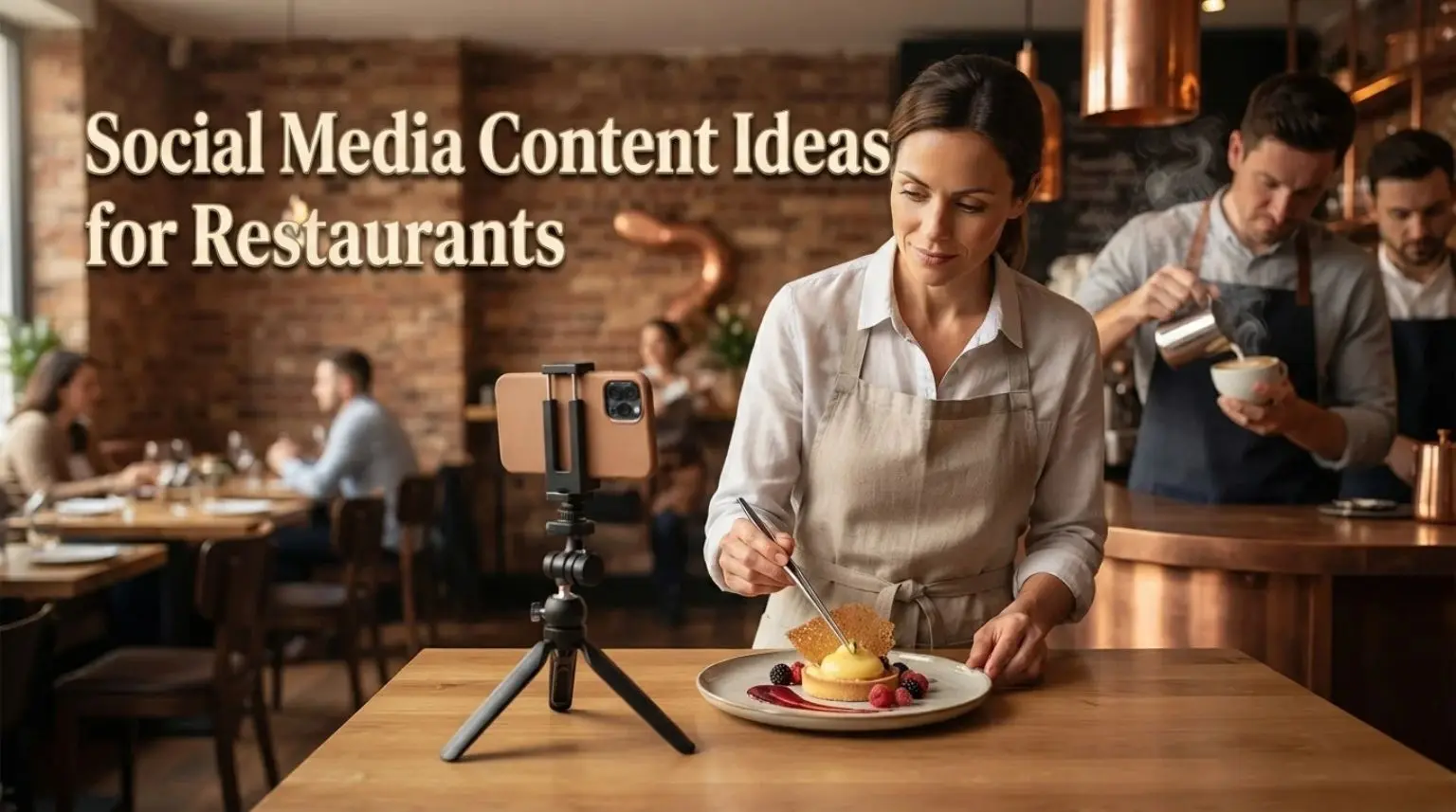
Your next restaurant post can come from what is already happening: a dish leaving the kitchen, a question guests keep asking or a sitting with tables available.
These restaurant social media content ideas give you specific angles to use on Instagram and Facebook, with short video options for Reels or TikTok where you already post. Choose the ones that suit your menu, team and customers.
Each idea has a purpose and an effort label. Quick uses material you already have, capture needs a few photos or clips, and coordinate needs another person’s input or permission. These are planning guides, not fixed production times.
Make the food easier to choose
1. Put one signature dish in the spotlight
Photograph the dish as you actually serve it. Explain its main ingredients, flavour and when guests can order it, rather than adding only “Looks delicious!”
Example: “Our mushroom pie comes with buttered greens and onion gravy. On the dinner menu from 5pm.”
Format: Instagram or Facebook photo. Purpose: Help diners choose. Effort: Capture.
2. Introduce a new or seasonal menu item
Show what has changed and why. An autumn squash dish could become a carousel, a swipeable set of images, showing the ingredient, finished plate and menu details.
Include the launch date and genuine availability. A permanent addition needs no artificial countdown.
Format: Carousel or short Reel. Purpose: Give previous guests a reason to return. Effort: Capture.
3. Show one preparation technique
Record one understandable action, such as folding dumplings or stretching pizza dough, then show the finished dish. A short explanation connects the kitchen work to what guests order.
Film during a suitable prep period with the team’s agreement. Keep phones away from food-handling tasks and never interrupt service for another take.
Format: Reel or TikTok video. Purpose: Show the work behind the meal. Effort: Capture.
4. Suggest a complete meal combination
Help someone choose more than one course. Show a starter, main and dessert that make a sensible meal, or a sandwich and soup pairing for lunch.
If it is a set menu, state the price and service times. If the dishes are sold separately, say so.
Format: Carousel or Facebook photo set. Purpose: Make ordering easier. Effort: Capture.
Show the people and preparation
5. Let a team member recommend a dish
Ask a willing team member what they would order and why. “Amira recommends the grilled aubergine because the yoghurt balances the chilli” is more useful than a name and job title alone.
A portrait is optional. Their recommendation can sit beside a food photograph if they prefer to stay off camera.
Format: Photo and caption or short video. Purpose: Add a personal recommendation. Effort: Coordinate.
6. Show the restaurant getting ready to open
Capture a few moments before guests arrive: setting tables, writing the specials board and checking the dining room. Keep the sequence focused on preparation rather than repeating a dish-making video.
Leave booking screens, paperwork and personal information out of shot.
Format: Reel or Stories sequence. Purpose: Show the care behind service. Effort: Capture.
7. Explain one decision behind the restaurant
Ask the owner or chef to explain a specific choice: why the menu stays small, why Sunday lunch has two sittings or where a family recipe came from.
Use one photograph and a short account. Avoid turning it into a long business biography.
Format: Photo caption or talking video. Purpose: Give the restaurant a recognisable identity. Effort: Coordinate.
Help first-time diners feel confident
8. Show the route from entrance to table
Film the entrance, dining room and typical table setup. A first-time visitor should be able to recognise the venue and understand the space.
Show a terrace or private dining area only if guests can actually use it. Film before opening so customers are not caught in the background.
Format: Reel or photo carousel. Purpose: Make a first visit easier to picture. Effort: Capture.
9. Answer a practical visit question
Turn a repeated question into a clear post: “Do we take walk-ins?”, “Where is the step-free entrance?” or “When does the lunch menu finish?”
Use a relevant image and a confirmed answer. Keep lasting details on your website too, so guests do not have to search old posts.
Format: Facebook post or Instagram graphic. Purpose: Remove uncertainty before a visit. Effort: Quick.
10. Share a customer’s photograph with permission
A tag is not blanket permission. Crediting someone does not automatically give you the right to reuse their photograph, as the UK Intellectual Property Office explains. Agree separately with identifiable people who will appear.
Format: Story or feed post. Purpose: Show a genuine guest experience. Effort: Coordinate.
11. Highlight specific, genuine feedback
Choose a short comment about something concrete, such as attentive service or a well-paced lunch. Keep its meaning intact and ask permission before turning a customer’s words into promotional material.
Use an uncluttered quote graphic rather than a screenshot full of names, profile images and unrelated details. This post shares an experience; it does not need another request for reviews.
Format: Simple graphic or photo caption. Purpose: Help prospective diners judge the experience. Effort: Coordinate.
Connect with the neighbourhood
12. Introduce a supplier through an ingredient
Show a real delivery or ingredient and explain where it appears on the menu. For example, connect bread from a nearby bakery with your lunchtime sandwiches.
Check the supplier’s name and the sourcing claim. Arrange permission for any supplier photographs you use.
Format: Photo carousel or joint interview clip. Purpose: Explain the restaurant’s local relationships. Effort: Coordinate.
13. Help people plan food around a local event
If a theatre, market or sports ground is nearby, explain how a meal fits around the event. Include accurate service times and a realistic walking distance.
Example: “Heading to the theatre on Friday? Our early dinner menu runs from 5pm to 6.30pm.” Check the event date before posting.
Format: Facebook post or Instagram photo. Purpose: Make the venue relevant to an existing outing. Effort: Quick.
14. Report a real community activity
Share a local fundraiser, community supper or collaboration your restaurant actually took part in. Explain what happened and acknowledge the people involved with their agreement.
Use a specific update rather than a vague claim about supporting the community. Do not photograph recipients or participants without permission.
Format: Photo and short account. Purpose: Show the restaurant’s role locally. Effort: Coordinate.
Give followers something useful to answer
15. Ask a simple menu preference question
Use two real choices: “Which would you order with Sunday lunch: apple crumble or sticky toffee pudding?” A photo makes the question easier to answer.
Use an Instagram Story poll if available on your account, or ask in the caption. Treat responses as feedback from participating followers, not a survey of all your diners.
Format: Story or comment question. Purpose: Start a relevant conversation. Effort: Quick.
16. Turn a food question into a chef’s answer
Ask followers what they want to know about a dish or technique. Pick one question the chef can answer briefly, such as why the dough rests before baking.
Add captions to spoken video. Questions about individual dietary requirements should go through your normal enquiry process, not a casual public reply.
Format: Question post followed by a short video. Purpose: Respond to genuine menu curiosity. Effort: Coordinate.
17. Invite a vote on a possible returning special
Ask which of two previous specials people would like back, provided the kitchen can realistically serve either. Explain that you are considering the options, then post an update once the decision is made.
This gives followers input into a future menu decision, rather than asking only what they prefer today.
Format: Story poll or Facebook question. Purpose: Gather input and create a follow-up post. Effort: Coordinate.
Give interested diners a clear next step
18. Share genuine table availability
Pair a current food or dining-room photo with a useful reservation reminder: “Tables available for Sunday lunch this weekend. Choose your sitting through our booking link.”
Check availability first. Use “last two tables” only when accurate, and update time-sensitive posts when the situation changes.
Format: Story or Facebook post. Purpose: Prompt reservations for a specific service. Effort: Quick.
19. Explain an existing midweek offer
Show the meal and essential terms together. “Two-course lunch, £18, Tuesday to Thursday, noon to 2.30pm” tells a diner more than “Amazing offer!”
Include the end date and any important restrictions. Do not create a discount merely because the content plan needs a promotional post.
Format: Food photo with caption or clear graphic. Purpose: Promote an offer diners can evaluate. Effort: Quick.
20. Make an event invitation complete
For a tasting evening, guest-chef supper or other real event, provide the date, start time, price, what is included and reservation method.
Use an image connected to the actual event. Guests should not have to message simply to obtain basic details.
Format: Facebook announcement or Instagram carousel. Purpose: Generate informed event enquiries or bookings. Effort: Coordinate.
21. Publish clear bank holiday service details
State which day you mean, opening and kitchen hours, the menu being served and how to book. A dated “Bank holiday Monday lunch” post is clearer than a general holiday greeting.
Update the website and other active listings too. Social posts should reinforce accurate information rather than become its only home.
Format: Simple graphic or photo caption. Purpose: Help guests plan around changed hours. Effort: Quick.
22. Show how a takeaway order works
If you offer takeaway, show a suitable dish packed as customers receive it. Explain the ordering route, collection hours and any real order deadline.
Keep receipts and customer details out of the photograph. Do not imply delivery is available if the offer is collection only.
Format: Photo set or short video. Purpose: Make the takeaway option clear. Effort: Capture.
Turn the ideas into a manageable week
Start with a small mix your team can maintain. This example is a planning option, not a platform requirement:
| Slot | Post | Material needed |
| Early week | Signature dish spotlight | One current food photo and menu details. |
| Midweek | Team member’s recommendation | Agreed recommendation and relevant image. |
| Before the weekend | Sunday lunch availability | Confirmed sittings and a working booking route. |
| Optional Story | Menu preference question | Two dish photos and a clear question. |
Capture several useful photos and clips during one suitable prep period. Store them in a shared folder with the dish name, date and any permission notes. One seasonal dish can supply a photo post and a preparation clip, but each should add something different.
Write captions around what it is, why it matters and what to do next. For a booking post, include the relevant service and a working route to reserve. Facebook can carry a direct website link; on Instagram, check the profile or Story link you are asking people to use.
Use your own footage and audio you have the right to use. A popular song is not automatically cleared for restaurant promotion. Meta’s music-library guidance explains commercial-use restrictions and points to its Sound Collection. Check rights separately before using the same soundtrack on another platform.
Before scheduling, confirm prices, dates, availability and links. Assign someone to answer comments and messages, especially if the post invites enquiries. Review reuse permissions before uploading customer material elsewhere.
Check what the posts actually achieve
Match the result to the post’s purpose:
- Attention: Reach and views show exposure. They do not confirm that local diners are interested.
- Interaction: Comments, saves, shares and poll responses show participation, not visits.
- Next steps: Website clicks and booking enquiries indicate interest. A click does not establish a completed reservation.
- Business outcomes: Check confirmed bookings, takeaway orders and seated covers in your own records. Account for cancellations and no-shows.
Review the metrics available in your account alongside booking records. Compare similar posts and services over several weeks, allowing for closures, bank holidays and menu changes. Keep useful ideas in rotation rather than judging everything by likes.
If your booking provider cannot connect a reservation to a social visit, record that attribution gap. A busy weekend after a popular post is encouraging, but it does not prove the post caused every booking.
If you need help turning your existing photos and videos into a regular posting plan, see DigiZee’s restaurant social media management or contact us to discuss what your team can realistically maintain.