

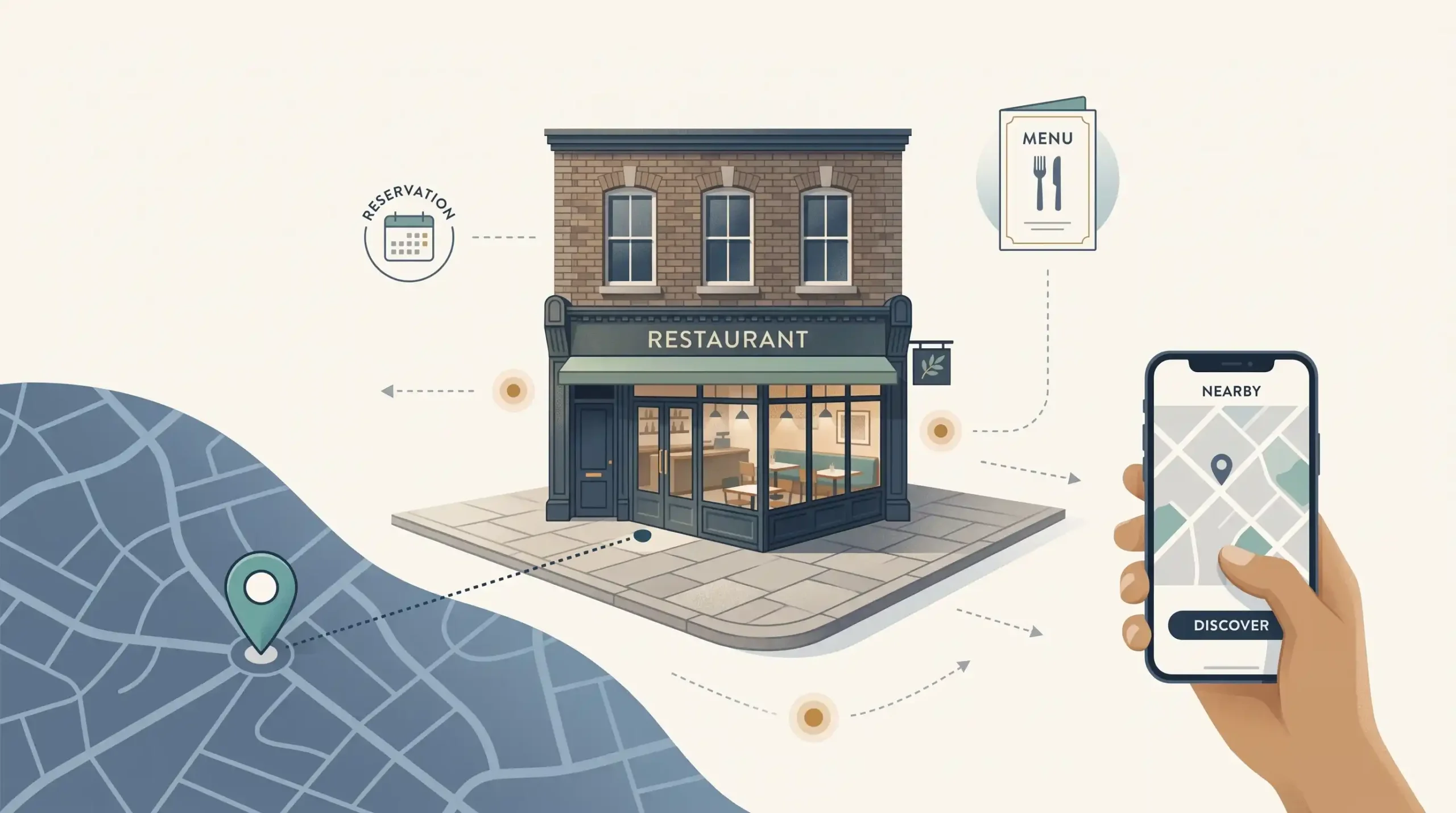
A diner looking for somewhere to eat needs a few answers quickly: what you serve, where you are, when you’re open and how to book. Your restaurant’s search presence should make those decisions easy.
Local SEO for restaurants brings together your Google Business Profile, website and other listings to help people discover your venue. Here is what to check, what to improve first and how to keep the work manageable between services.
What local SEO means for a restaurant
Local SEO improves your restaurant’s visibility for searches connected to its location, such as “Italian restaurant York”, “Sunday lunch Harrogate” or “restaurants near me”.
There are two types of unpaid result to understand:
| Result | What diners see | Your main focus |
| Google Maps and local results, often called the local pack | Nearby businesses with details such as hours, reviews and photos. | An accurate Business Profile supported by consistent information. |
| Standard organic results | Links to restaurant websites, menus, booking platforms and guides. | Useful website pages that answer the search. |
Your position in one does not tell you where you appear in the other.
Google’s local ranking guidance identifies relevance, distance and prominence: how well you match the search, how close you are and how well known the business is. Reviews and links are among the information Google uses.
You can make your offering and location clearer, but you cannot be equally close to everyone. Repeating “near me” on your website will not change that.
Start with a short baseline check
Search your restaurant’s name and town, open its Google profile and visit the website on a phone. Check five things:
- Can the right person access and manage the profile?
- Are the address, map location, telephone number and hours correct?
- Is the current menu easy to read?
- Does the booking or ordering link reach the right restaurant?
- Are old details still showing on other important listings?
Note each problem and who will fix it. Save the previous month’s available search and booking figures so you have a starting point.
Fix anything that could prevent a visit first. A wrong address or broken reservation link matters more urgently than another promotional update.
Make your Google Business Profile accurate and useful
Get access and choose appropriate categories
Look for an existing listing before creating a new one. Claim it or request access, keep an owner-controlled account responsible and follow the verification options Google provides.
Choose the most specific available primary category that accurately describes the restaurant. For example, check whether “Italian restaurant” fits your business better than the broader “Restaurant”. Add other categories only for genuine parts of your operation, not to collect keywords.
Google’s restaurant Business Profile guide is a useful reference if you need help with setup.
Correct the essentials
Use your real trading name without adding promotional phrases. Check the full address and postcode, map location, working telephone number and website link. Describe your food and location naturally, and select only attributes that genuinely apply, such as outdoor seating.
Pay particular attention to hours. Show any break between lunch and dinner, set special hours for bank holidays and explain different takeaway or delivery times where relevant. After making changes, check what diners can see publicly.
Keep menus, bookings and photos useful
Link to the current menu and check any dishes or prices shown directly on the profile. When you change the menu, update the places where diners read it.
Test the booking and ordering journey on a phone. Check that it reaches the correct venue, shows current availability and lets customers continue without a broken link or confusing detour. If you use a booking provider, ask it to resolve incorrect information.
Add current photos of the food, dining room and exterior, including a recognisable entrance. Replace images that no longer reflect the restaurant. Useful, accurate photographs matter more than meeting an arbitrary upload quota.
Post an update when there is something worth sharing, such as a seasonal menu. Keep essential information in its proper fields too: changed hours should not appear only in a post.
Match your website to cuisine and location searches
Start with what you serve and where you are: cuisine, town, neighbourhood and any distinct dining occasion you genuinely offer. Your restaurant website should make those details easy to understand and lead naturally towards a menu or booking.
Use this illustrative guide to decide where information belongs:
| Illustrative search | Suitable page or section |
| Italian restaurant York | Main restaurant page describing the cuisine and location. |
| Italian restaurant near York station | The same page or visit section, if accurate. |
| Restaurant name + menu | Current menu page. |
| Sunday lunch Harrogate | A dedicated page if it is a distinct regular offer; otherwise the menu. |
| Restaurant name + parking | Contact or location page with arrival information. |
For an illustrative Italian restaurant in York, “Italian Restaurant in York | Restaurant Name” is a clearer homepage title than “Home”. Explain the food and neighbourhood naturally in the opening text.
Keep closely related searches on the same useful page. Avoid near-identical pages for surrounding towns or wording that implies premises you do not have.
Make menus and visit details easy to use
Provide a readable menu page with clear sections, current prices and service times. A downloadable PDF can be an extra option, but diners should not have to zoom around a tiny image to choose a meal.
Keep booking, ordering or contact options close to the menu. When dishes or prices change, check the website, Google profile and other active platforms together.
For a single restaurant, a good contact or “Visit us” page is usually enough. Include the address, postcode, telephone number, hours and a map link. Add practical entrance, transport or parking information where you can confirm it. A map should accompany a written address rather than replace it.
If you have several genuine venues, give each its own accurate details and relevant menu or booking route.
Ask your website provider to check structured data
Structured data, also called schema, is information in your website’s code that helps search engines understand the restaurant. Ask your website provider to check that the name, address, hours, cuisine and menu details match what diners can see on the website. You do not need to write the code yourself, and schema does not guarantee higher rankings or review stars.
Build a fair, manageable review routine
Make it easy for customers to leave honest feedback using your Google review link or QR code. A neutral receipt message is enough:
“Thank you for visiting. If you’d like to share your experience, you can leave us a Google review.”
Offer the same opportunity to diners with different experiences. Do not direct only happy customers towards Google, offer discounts for reviews or tell people what rating or wording to use. Avoid pressuring diners to review while they are at the restaurant. These boundaries follow Google’s review contribution policy.
Give someone responsibility for checking feedback and making useful replies, particularly to questions or complaints. Keep responses calm and specific, and discuss personal booking details privately. You do not need to turn every thank-you into a promotional message.
Reviews are also part of your restaurant’s online reputation. Look for recurring issues you can address: several comments about an old menu or a hard-to-find entrance give you a practical next task.
Report reviews that appear to break platform rules, but do not assume an unfavourable review can be removed simply because you disagree with it.
Correct the listings that matter to your diners
NAP means name, address and phone number. Keep these details consistent so diners can identify and contact the same restaurant wherever they find it.
Start with meaningful errors: old numbers, previous addresses, former names and duplicate listings. A standard format makes updates easier; a harmless abbreviation such as “Road” versus “Rd” should not become your main concern.
Prioritise the platforms relevant to your business:
- Tripadvisor: use Tripadvisor’s restaurant listing guide to claim an existing listing where appropriate and check the details, photos and reviews.
- OpenTable: if you use it, keep the profile and reservation information current. Its restaurant solutions show the listing and reservation features available. It is a booking-channel decision, not a compulsory SEO subscription.
- Delivery platforms: check menus, venue details and service times if you offer delivery.
- Local tourism and business directories: focus on useful listings that help people discover your restaurant.
Keep a short record of the listings you manage and who has access. It will save time when hours or contact details change.
Build on genuine local relationships
A local link should have a useful reason to exist. A visitor guide might list the restaurant, a local publication might cover an event, or a supplier might feature a real collaboration.
Start with activities and relationships you already have. If a relevant page mentions your restaurant, ask whether a link would help its readers find you. Avoid buying packages of unrelated directory links or chasing a fixed link total.
Measure visibility and customer actions separately
Keep measurement centred on four questions:
- Are we appearing for relevant local searches?
Choose a few searches such as cuisine + town and cuisine + neighbourhood. Check both map and website results from a few consistent locations, noting the date and place. Your own search at the restaurant is only one view; incognito mode does not remove location differences. If someone tracks rankings for you, ask them to compare the same locations over time.
- Are people viewing or clicking our website and menu?
Google Business Profile performance shows available profile interactions. Search Console shows how your website appears in Google Search and which searches bring clicks. Ask whoever manages the website to separate restaurant-name searches from broader local searches where possible.
- Are people taking useful actions?
Check call-button clicks, direction requests and other available actions in Business Profile performance. Treat them as signs of interest: a call click is not necessarily a completed call, and a direction request does not confirm a visit.
- Are actual bookings moving in the same direction?
Compare those signals with reservation records. If menu clicks increase but bookings do not, test the booking journey and check availability before assuming more website content is needed.
Review comparable periods and note bank holidays, closures or local events that may affect demand. Look for patterns rather than reacting to one quiet week. If you advertise too, remember that profile activity is not automatically all attributable to SEO.
Keep a monthly local SEO checklist
Give the routine a named owner and use a simple checklist:
| Monthly task | What “done” looks like |
| Check profile details and upcoming special hours | Public information matches the operating calendar. |
| Compare menus across active platforms | Dishes, prices and availability are current. |
| Test website, booking, ordering and telephone links | Each route works and reaches the correct venue. |
| Review customer feedback | Useful replies are made and recurring problems have an owner. |
| Check photos and updates | Images reflect the venue and outdated promotions are addressed. |
| Spot-check important listings | No material name, address or contact errors remain. |
| Review visibility, actions and bookings | Comparable figures are recorded and the next improvement is chosen. |
Correct changed hours, menus and broken links promptly rather than waiting for the monthly review. Check customer feedback more frequently when needed.
Begin with accurate information and a working route from search to menu to booking. Then use the monthly checks to keep those essentials reliable and decide what deserves attention next.
If you would like help deciding which fixes to prioritise, explore DigiZee’s restaurant SEO support or contact us to discuss your restaurant’s local search visibility.
